Lock rotation about vert. axis
Jump to navigation
Jump to search
Menu
This method is accessible via the 'Display > Lock rotation about vert. axis' menu.
Alternatively you can use the L shortcut.
Description
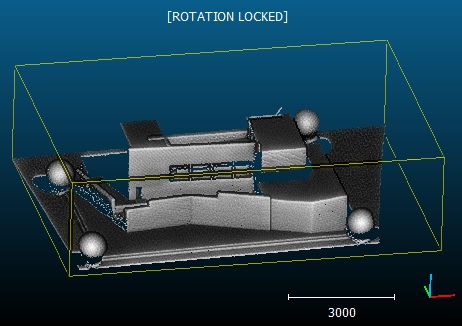
This method simply locks the camera rotation around the vertical (Z) axis (in the active 3D view).
When activated a '[ROTATION LOCKED]' message will appear in the top part of the 3D view:

Simply call this method again (or use the L shortcut) to disable this mode.